The Be Good Project · Banana App

Support the mission.
Pay good forward.

Help low-income neighbors, support small restaurant owners, and keep good food from going to waste.

We’re building a simpler way to connect surplus food with the people who can use it. Your support helps bring that mission to life.

Food access. Food-waste prevention. Stronger local communities.

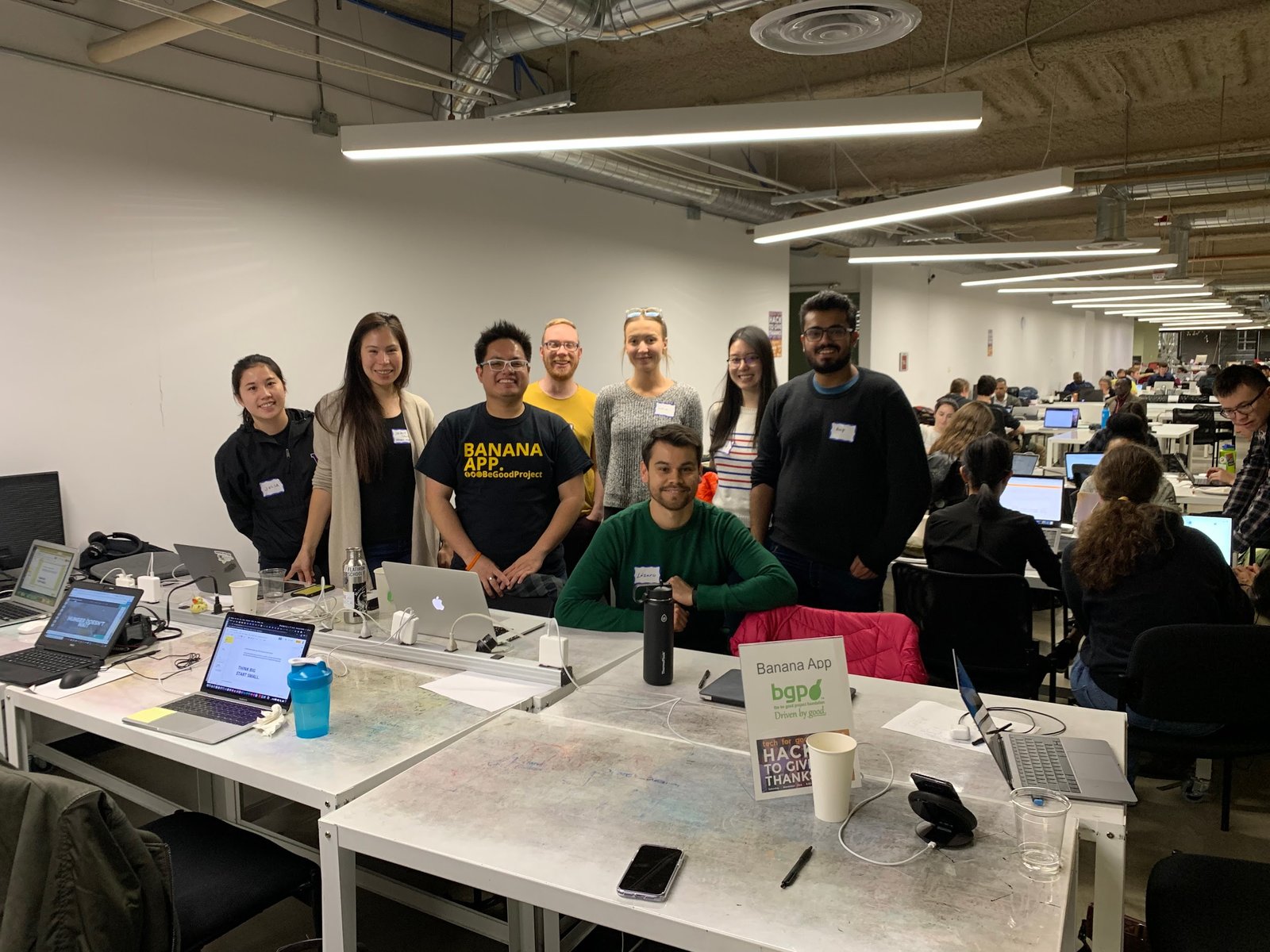
Banana App volunteers gathered at a community technology event
Built by volunteers. Made for our neighbors.

Two ways to make a difference

Give good food a better future.

Support the technology that connects our community, or help grow a pay-it-forward approach with a restaurant you care about.

01 / Support the mission

Donate to Banana App.

Help develop and sustain our work to improve food access for low-income neighbors, prevent food waste, and support small restaurant owners.

How to support us
  1. Open The Be Good Project’s giving page.
  2. Choose an available giving option and your contribution.
  3. Follow the provider’s instructions to complete your donation.
Donate to Banana App ↗

The current giving page supports The Be Good Project’s work, including Banana App. For a Banana App-specific contribution, contact our team.
02 / Pay it forward

Support a restaurant you love.

We’re working toward a way for people to support a favorite or chosen participating restaurant and help make meals available to neighbors who need them.

COMING SOONHow it will work
  1. Choose a participating restaurant in a launch location.
  2. Contribute through its confirmed pay-it-forward option.
  3. Help make community meals possible through that restaurant.
Ask about pay-it-forward ↗

Restaurant selection, payment options, and meal pickup details will be shared when the program launches. This page does not collect restaurant contributions yet.

Food sharing, made local

Less waste. More connection.

Good surplus food belongs on a table. Banana App is being prepared to help businesses and community donors share available food with nearby neighbors.

All food donations are first come, first served. No holds outside the app’s reservation process.

How to reserve and pick up food

Browse available food and reserve through the app. Only a reservation confirmed in your account holds food under the app’s rules. A notification, message, phone call or arrival without a confirmed reservation does not hold food. Follow your reservation’s pickup window and instructions; cancel in the app if you cannot collect it.

How donors manage pickups

Post only food that is available. Honor reservations confirmed by the app and keep quantities accurate. Do not promise extra holds by message, phone or in person. Verify the pickup code and approved pickup person, then confirm collection in the app so inventory and reports stay accurate.

01

Share surplus food.

Donors post available food and clear pickup details, giving edible surplus another purpose.

02

Find and reserve.

Approved community members browse available donations and reserve food for free.

03

Pick up locally.

Follow the reservation’s pickup instructions so food reaches people while it can still be enjoyed.

Watch and learn

See how Banana App works.

A captioned walkthrough of donating, reserving, and picking up food. All food donations are first come, first served, with no holds outside the app’s reservation process.

2 min 51 sec · Silent, with captions in the video · Illustrative screens; the current app may look different.

Download videos and captions

Meet Banana App v1

A clean, simple web app.

V1 is currently a web app, with a launch coming soon to select locations. Find available food, share surplus donations, and follow clear reservation and pickup instructions.

Use it in a browser, or add it to your home screen. A traditional app-store download is not required. Installation options depend on your device and browser.

Sign in to Banana App

Existing approved accounts and designated testers can access the current app. Public launch is coming soon to select locations.

Admin sign in ↗
How to find free food at launch
  1. Create a client account and wait for approval.
  2. Browse food available in your launch location.
  3. Reserve a donation and follow its pickup instructions.
How to share surplus food at launch
  1. Register as a donor and wait for approval.
  2. Post available food, quantity, and pickup details.
  3. Manage reservations and coordinate pickup.
Need food before launch?
Visit Food Lifeline’s food finder ↗ for existing food resources. Coverage and availability vary by location.
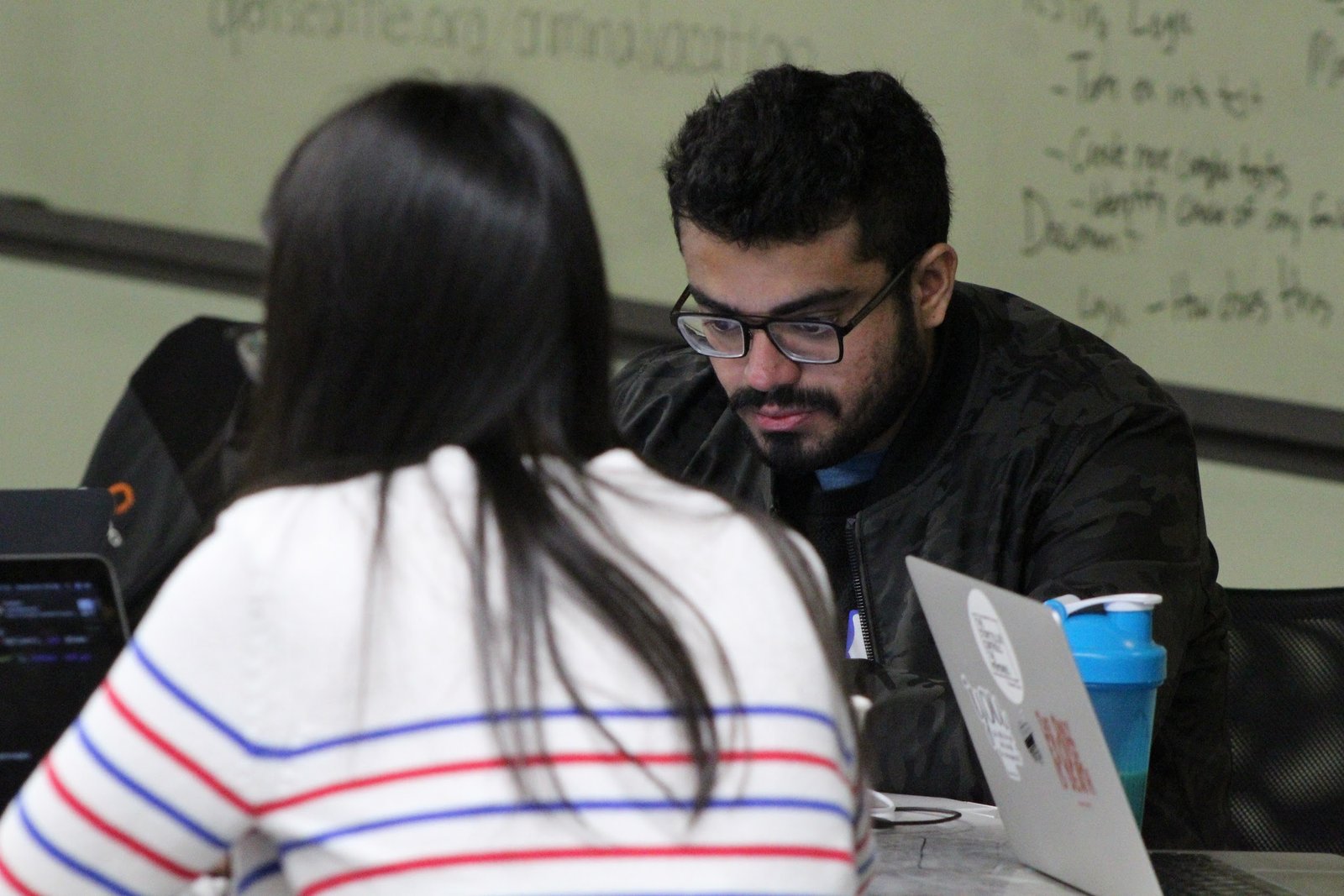
Volunteers collaborating on Banana App

People behind the mission

Built together.
For our communities.

Banana App is a project of The Be Good Project Foundation. Volunteers, food-access partners, and local businesses help shape practical technology around dignity and everyday needs.

Help good food go further.

Support the mission ↗